h5v
Install v0.15.0
h5v
A terminal-first HDF5 explorer for charts, matrices, images, compound schemas, and scripted workflows.
curl -fsSL https://raw.githubusercontent.com/DanielHauge/h5v/main/install.sh | sh
The shell installer supports Linux, macOS, and POSIX-style Windows shells such as Git Bash, MSYS2, and Cygwin.
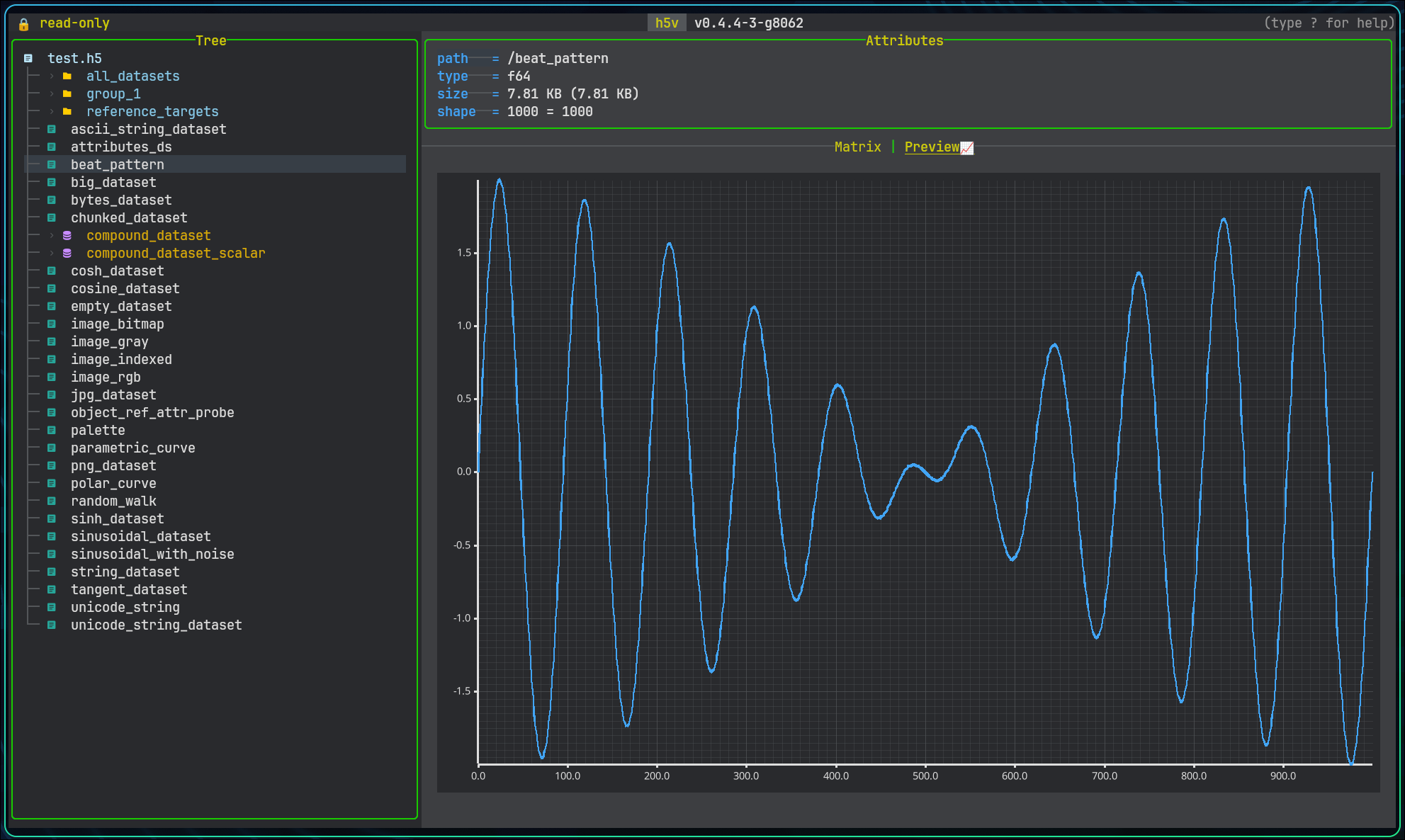
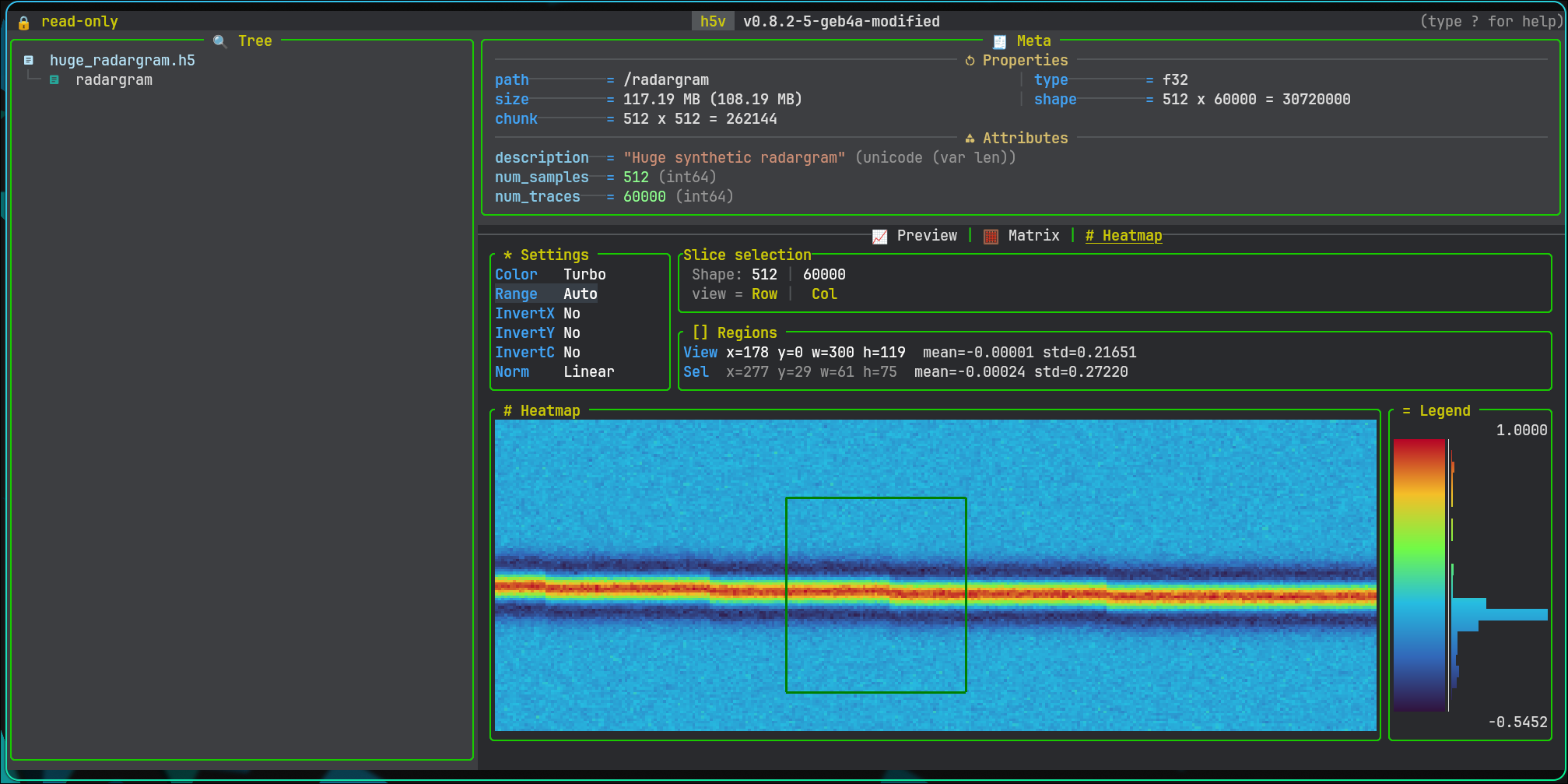
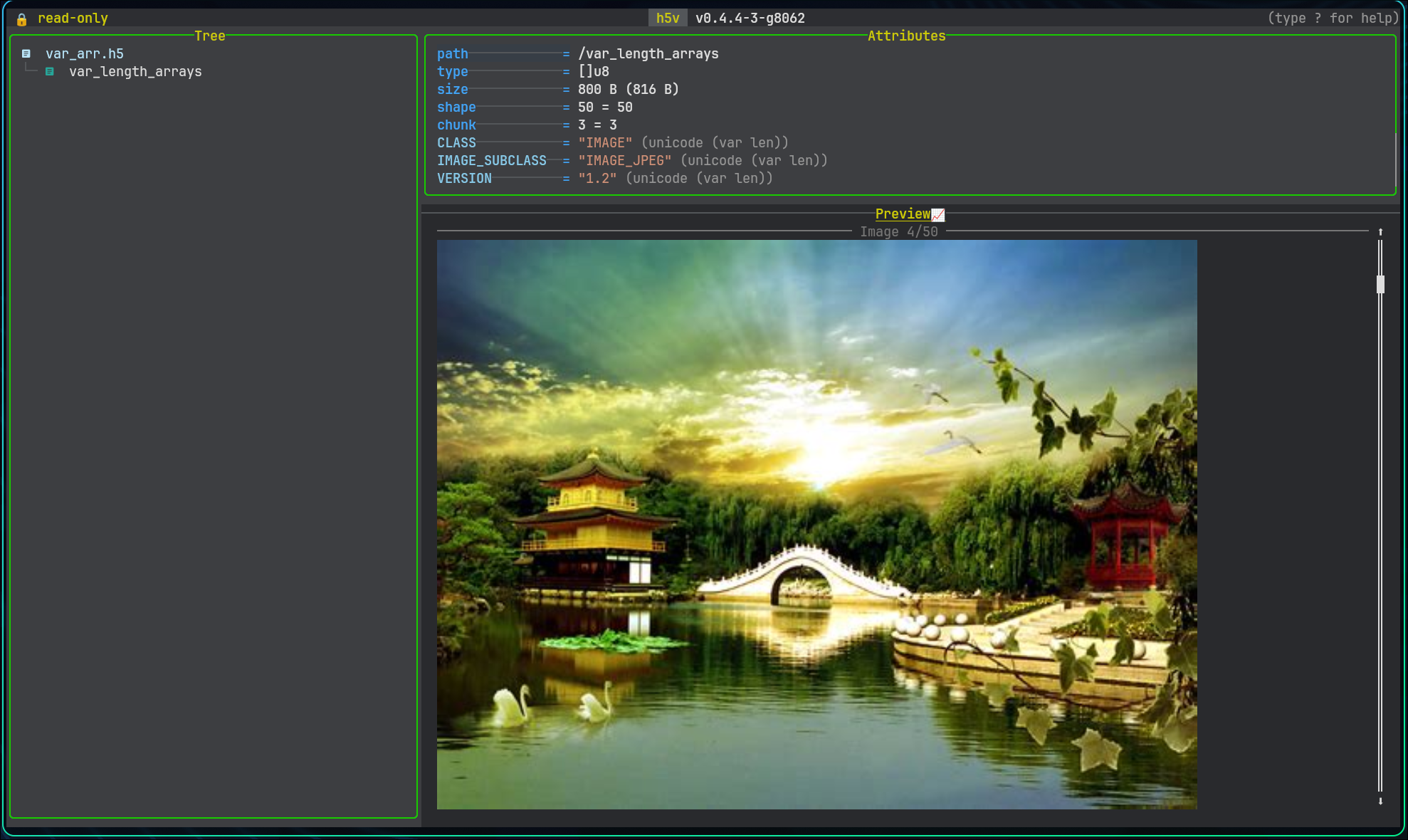
h5v is a Rust TUI for inspecting HDF5 files: browse the tree, preview charts, matrices, heatmaps, images, and compound schemas, edit attributes in write mode, and automate startup with scripts. CSV, TSV, XLSX, and Parquet files are imported into cached HDF5 snapshots so they use the same workflows.
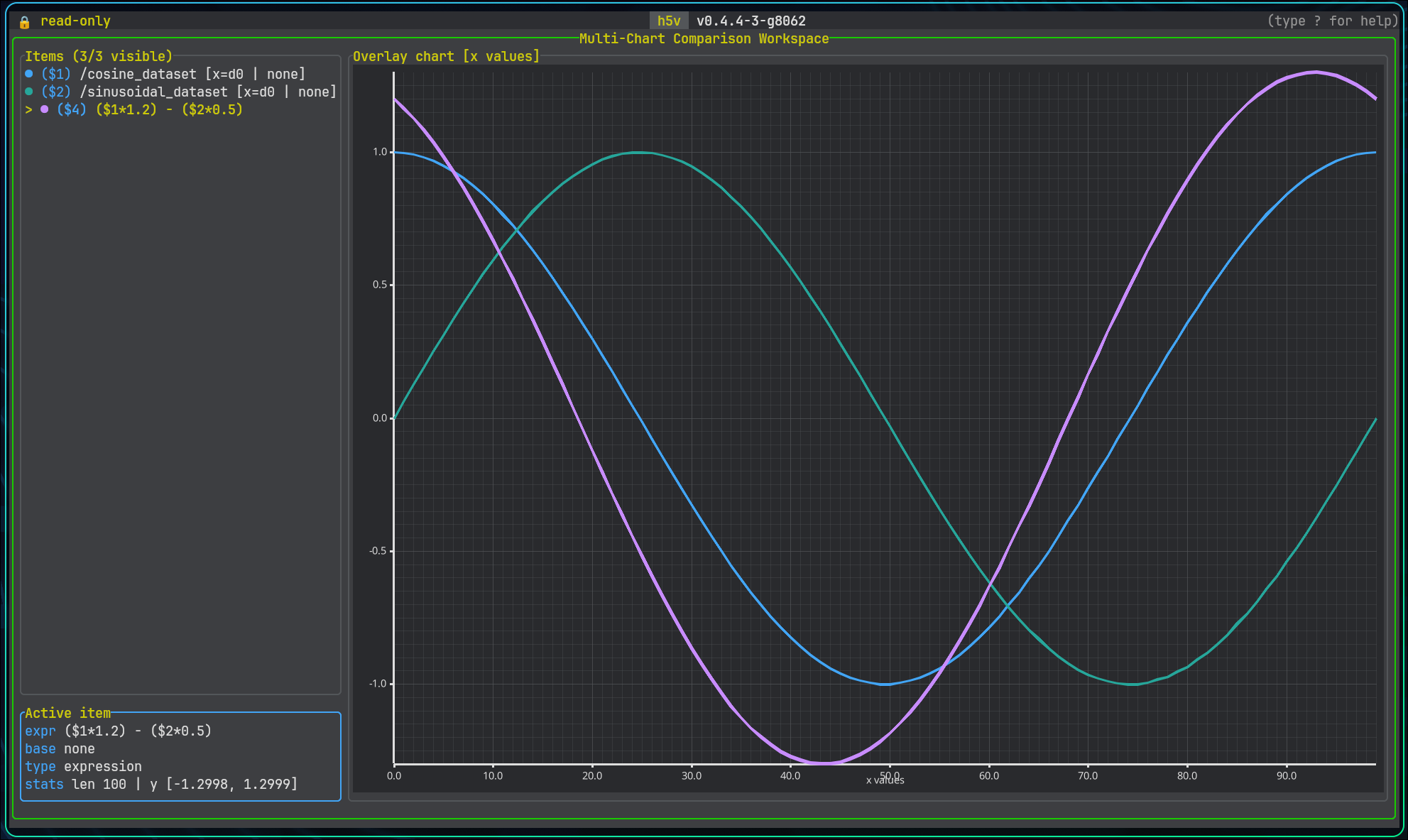
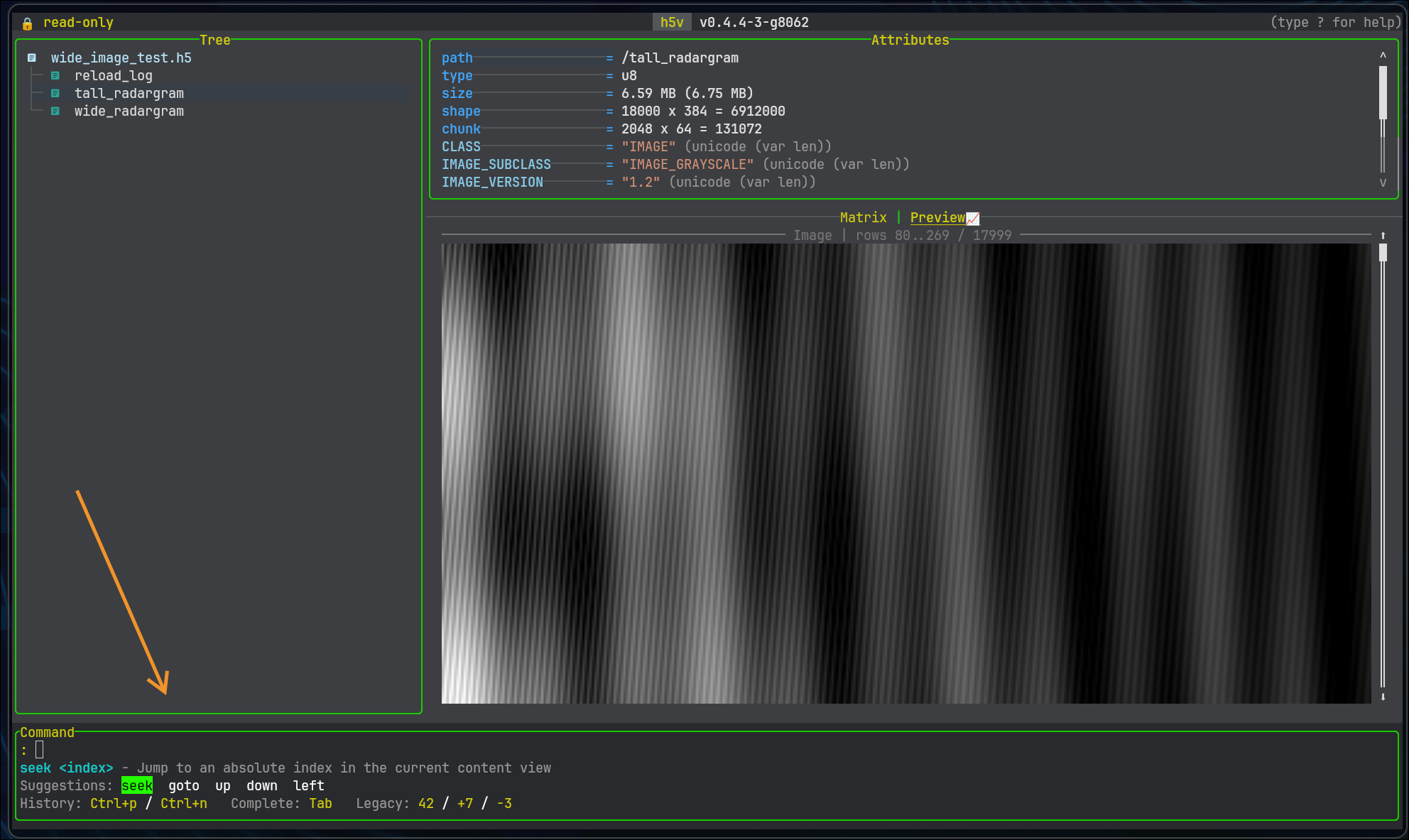
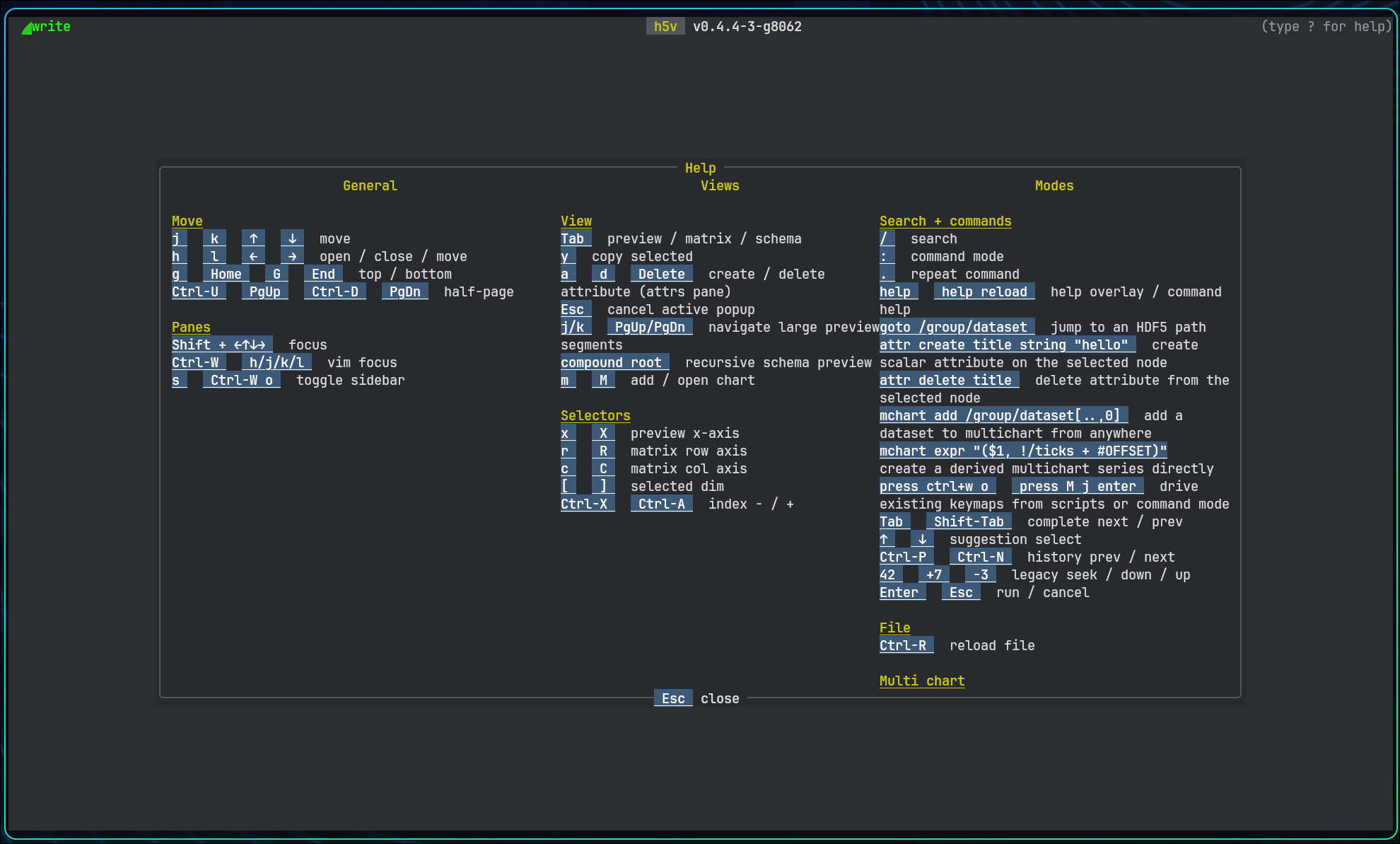
What it looks like
| Charts | Heatmap | Images |
|---|---|---|
 |
 |
 |
| Multichart | Commands | Help |
 |
 |
 |
Quick start
curl -fsSL https://raw.githubusercontent.com/DanielHauge/h5v/main/examples/h5v-example.h5 -o h5v-example.h5
h5v h5v-example.h5
Open tabular data directly:
h5v data.csv
h5v reference.h5 experiment.tsv
h5v workbook.xlsx metrics.parquet
Open a file that may be in use elsewhere, or enable edits:
h5v --read-mode auto live-data.h5
h5v -w h5v-example.h5
--read-mode auto tries standard read-only access, SWMR, then a copied snapshot. Use --compatibility when your terminal has problems with icons, line drawing, or graphics previews.
Run the bundled walkthrough:
h5v examples/h5v-example.h5 --script examples/h5v-example.h5v
Installation
| Method | Command |
|---|---|
| Shell installer | curl -fsSL https://raw.githubusercontent.com/DanielHauge/h5v/main/install.sh | sh |
| PowerShell installer | irm https://raw.githubusercontent.com/DanielHauge/h5v/main/install.ps1 | iex |
| Homebrew | brew tap DanielHauge/h5v https://github.com/DanielHauge/h5v.git && brew install h5v |
| Scoop | scoop bucket add h5v https://github.com/DanielHauge/h5v && scoop install h5v/h5v |
| Debian package | Download h5v_<version>_amd64.deb from Releases, then sudo apt install ./h5v_<version>_amd64.deb |
| cargo-binstall | cargo binstall h5v |
| Build from source | cargo install --locked h5v |
For a source build on Ubuntu 22.04:
sudo apt-get update
sudo apt-get install -y --no-install-recommends \
  build-essential cmake pkg-config libfontconfig1-dev libfreetype6-dev libexpat1-dev
cargo install --locked h5v
Other Linux distributions need equivalent compiler, CMake, pkg-config, and fontconfig/freetype/expat development packages. See the installation guide for platform details.
Configuration and documentation
Run :configure inside h5v to open init.lua; :configure reset regenerates the default scaffold. Use --config <PATH> for another configuration file, and --init-plugin <PATH> to create a plugin scaffold.
Press ? in h5v for the current commands, keybindings, health checks, and customization help. The full guide is at danielhauge.github.io/h5v/book.