Commands

Press : to open the command minibuffer.
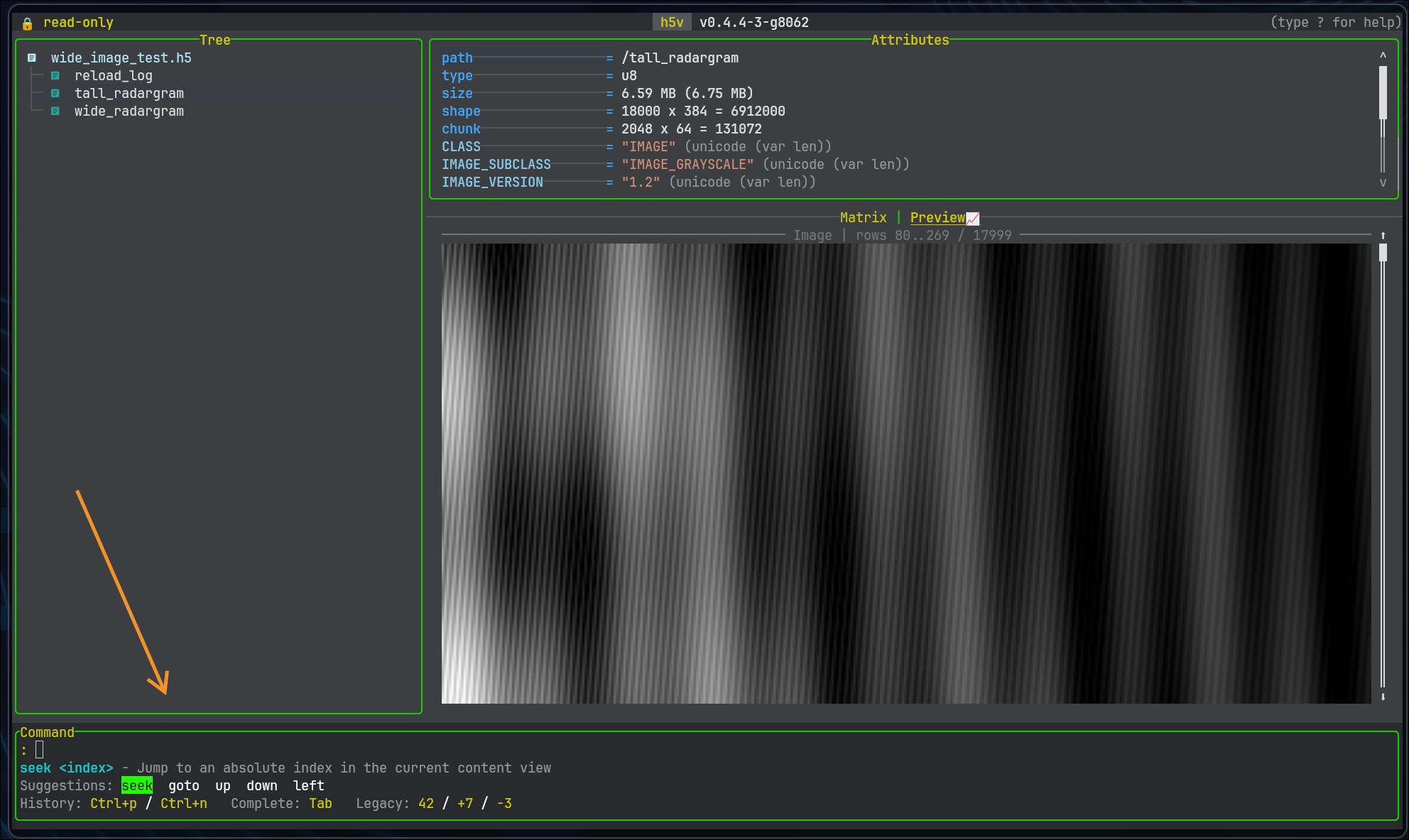
Command minibuffer

Minibuffer behavior:

  • Tab cycles matching completions
  • Shift+Tab and arrow keys move through suggestions
  • Ctrl+P / Ctrl+N browse command history
  • help or help <command> shows command help
  • . repeats the last successful command

Press ? for the full in-app help. Use help <command> in the minibuffer for command-specific help.

Common commands

Navigation:

goto /signals/sine_wave
seek 5
down 3
left 2
page-down

View control:

focus tree
focus attributes
focus content
mode preview
mode matrix
mode heatmap
toggle-tree
reload
configure
configure reset

Heatmap view control:

up
down
left
right
page-up
page-down

Heatmap key-only actions:

press z
press Z
press 0
press v
press H

Heatmap range presets:

heatmap range list
heatmap range use "Clip 1-99%"
heatmap range add 5% 80% "5-80%"
heatmap range add 2.5 5.5 "2.5..5.5"

Selection:

x next
row prev
col next
dim next
index next 10

Attributes:

attr create title string "release candidate"
attr delete title

Multichart:

mchart open
mchart add !/signals/sine_wave
mchart fit all
mchart visible
mchart select next
mchart prompt
mchart expr "($1[0..512], !/signals/cosine_wave[..512])"
mchart zoom x in 25
mchart pan right 10

For the full command list, aliases, and mchart action table, see Command reference.

Aliases and numeric shorthand

Numeric shorthand still works:

:5
:+3
:-2

Mappings:

  • :5 -> seek 5
  • :+3 -> down 3
  • :-2 -> up 2

Quoting

Quoted strings work in commands and scripts. Use them for:

  • attribute values with spaces
  • command scripts containing expression tuples
  • press ... commands that need modifier sequences

press goes through the normal keymap:

press ctrl+w o
press M j enter

If you override keys in h5v.keymaps, press uses the effective keymaps after config load.

Try commands against the bundled example:

h5v examples/h5v-example.h5

See Configuration and theming and Startup scripting.