Preview types
Numeric chart preview
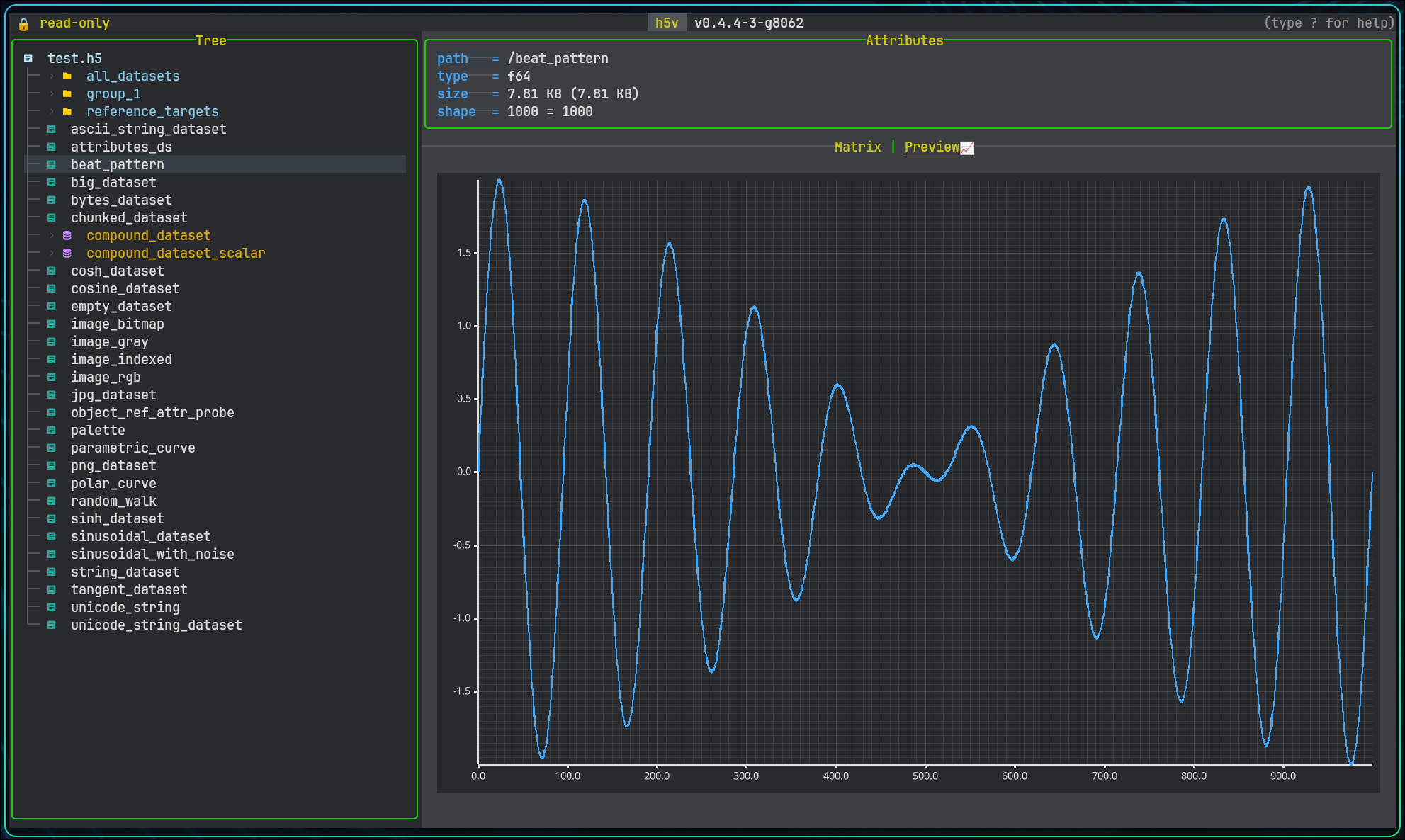
h5v renders numeric datasets as a line plot over a selected one-dimensional slice.
- active x-axis dimension
- fixed indices for the other dimensions
- visible slice when the data is segmented
Use x / X, [ / ], and the index controls to move through higher-dimensional data.
Large previews are segmented at 250000 elements. PageUp / PageDown move between segments.
If a slice contains only invalid numeric values such as NaN or infinity, h5v reports that bounds cannot be computed.
Scalar and string preview
Scalar datasets render as text. This covers:
- floating-point scalars
- signed and unsigned integer scalars
- fixed and variable strings
Scalar enums use the enum renderer, including optional SYMBOLS and COLORS overrides.
String datasets can carry syntax-highlighting hints. Resolution order:
HIGHLIGHTattribute on the dataset- dataset name extension such as
.pyor.yml
File preview
Selecting the root file node shows filesystem metadata such as path, size, timestamps, permissions, and open mode.
Schema preview for compounds
Selecting the root of a compound dataset shows a recursive schema preview.
Projected compound leaves follow their field type:
/compound/nested_records/gainpreviews like a numeric field/compound/nested_records/windowis matrixable and editable as one value per line- projected enum leaves can inherit custom symbol/color styling from dataset metadata
- projected multi-value string arrays stay matrix-only instead of attempting chart preview
Group preview
If a group has a variable-length string attribute named H5V_PREVIEW_EXPR, h5v evaluates it with the same syntax as multichart and renders the result in the preview pane.
The bundled example includes /group_preview:
(load(/group_preview/time), (load(/group_preview/value) - load(/group_preview/offset)) * load(/group_preview:scale))
Press m on that group to add the same expression to multichart.
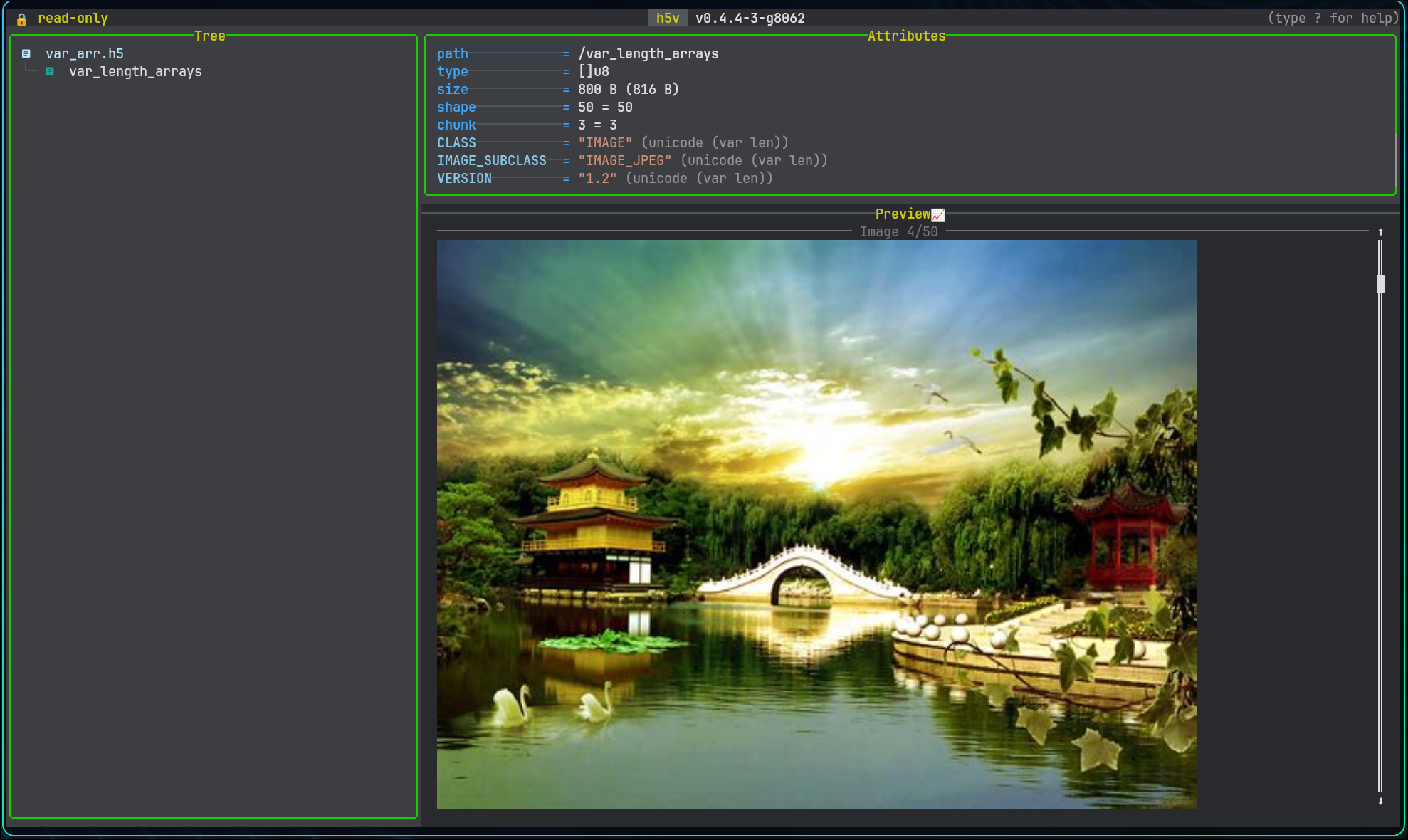
Image preview
Datasets recognized as HDF5 images render inline in the content pane. See Images for behavior and Image conventions for the required metadata.